
How and Why You Should Limit Login Attempts in Your WordPress
Securing a login page is one of the most overlooked aspects of running a site, yet it’s the first line of defense against automated attacks. By...

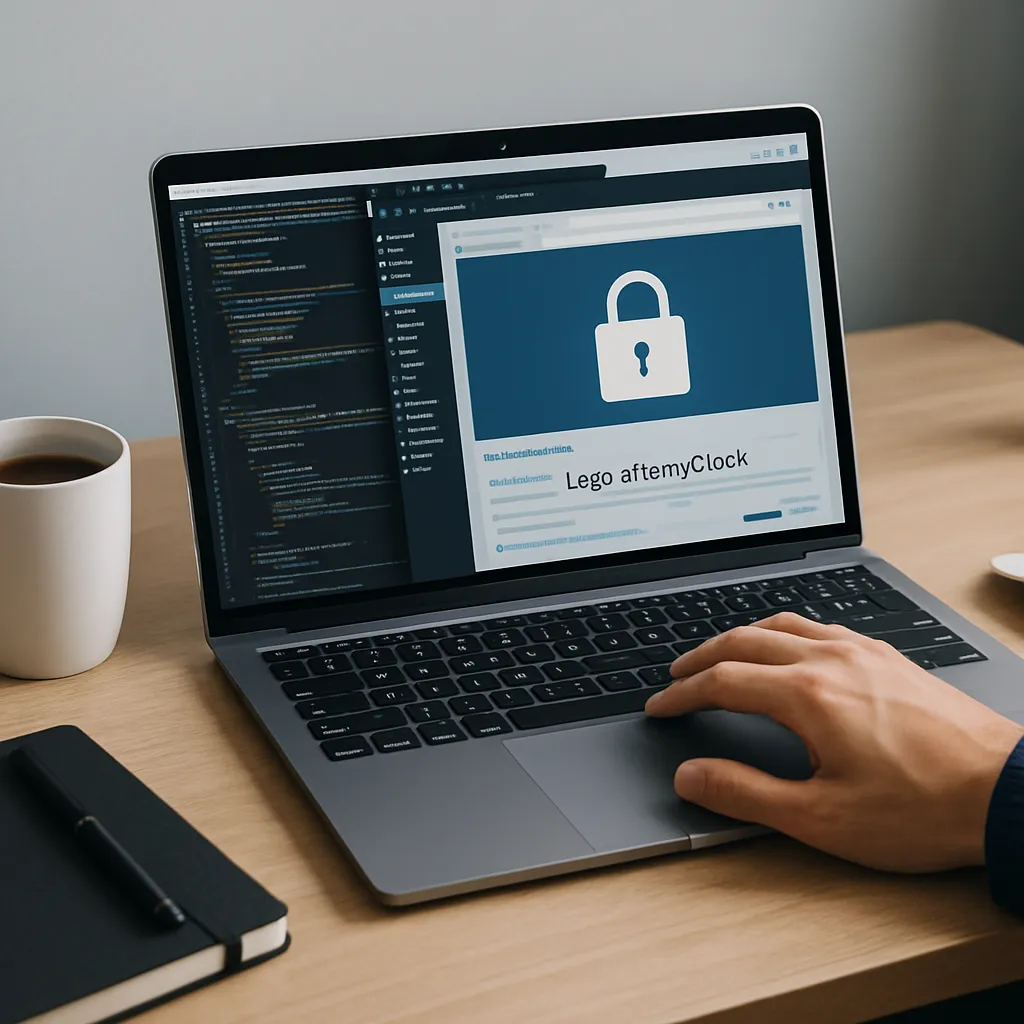
Securing a login page is one of the most overlooked aspects of running a site, yet it’s the first line of defense against automated attacks. By limiting how many times a user can try to sign in before being temporarily blocked, you dramatically reduce the effectiveness of brute force attempts and protect your data, reputation, and server resources.
What It Means to Limit Login Attempts
Limiting login attempts simply means restricting the number of failed sign-in tries a user can make within a specific timeframe. Once that threshold is reached, the IP, username, or both are temporarily locked out. Instead of attackers hammering your login form thousands of times per minute, they get only a few chances before being blocked.
This mechanism is especially important for any installation using common usernames, weak passwords, or exposed login URLs. Without rate limiting, attackers can use automated scripts to guess credentials repeatedly until they succeed or your server slows to a crawl.
Why Login Attempt Limits Are Essential for Security
Protection Against Brute Force Attacks
A brute force attack systematically tries different username and password combinations until it finds the right one. When there is no limitation on login attempts, bots can attack day and night, often from multiple IP addresses, testing millions of combinations over time.
By enforcing strict limits, you:
- Reduce the total number of guesses an attacker can make before being blocked.
- Increase the time and cost of a successful attack, often making your site an unattractive target.
- Slow down credential stuffing attempts based on lists of leaked usernames and passwords.
Mitigating Password Reuse and Weak Credentials
Even with strong password policies, some users will reuse weak credentials. If a set of credentials is compromised elsewhere, attackers often test those same details on other services. Rate limiting logins makes this process far less effective because attackers cannot quickly test large batches of reused passwords on your site.
Reducing Server Load and Resource Abuse
High-volume login attempts are not just a security risk; they are also a performance problem. Repeated authentication requests can:
- Increase CPU and memory usage on your hosting environment.
- Slow down page load times for legitimate visitors.
- Trigger hosting provider limits or even temporary suspensions on budget plans.
Login attempt limits help throttle abusive traffic and keep your environment stable.
Improving Compliance and Best Practices
Many security frameworks and compliance guidelines consider rate limiting logins a baseline best practice. Even if your site is not legally bound by strict regulations, aligning with these standards helps demonstrate that you are taking reasonable steps to protect user accounts and sensitive information.
How Login Attempt Limiting Works in Practice
Typical Lockout Rules
Most implementations use a combination of rules, such as:
- Maximum attempts: Only allow, for example, 3–5 failed logins before triggering a lockout.
- Lockout duration: Block the offending IP or username for 5–30 minutes, sometimes longer for repeated incidents.
- Escalating bans: Increase the block duration after each series of failures (e.g., 15 minutes, then 1 hour, then 24 hours).
- Reset window: Allow attempts to reset after a certain period of inactivity, such as one hour or one day.
These settings can be tuned based on how often users typically log in and how sensitive the protected data is.
What Gets Tracked: IPs, Usernames, and Networks
Rate limiting can be based on several identifiers:
- IP-based blocking: Track failed logins from a specific IP address. This is the most common approach.
- Username-based blocking: Lock a particular username if too many failures occur, regardless of IP.
- Network and country-level rules: Combine with firewalls or security plugins to block suspicious ranges or regions.
IP-based limits are usually sufficient for small to medium sites. For more complex environments, a layered approach works best.
Configuring Login Attempt Limits with a Security Plugin
The easiest and most reliable way for most site owners to limit logins is by using a dedicated security plugin that provides built-in rate limiting. This avoids the need to write custom code or manage complex server rules.
Key Features to Look For
When choosing a plugin to manage login attempts, look for:
- Configurable thresholds: Ability to set the number of failed attempts and lockout durations.
- Logging and reporting: Clear logs of blocked IPs, usernames, and timestamps.
- Whitelist and blacklist: Options to exempt trusted IPs (e.g., your office) and permanently block malicious ones.
- Integration with firewalls and reCAPTCHA: Additional layers to filter bad traffic before it reaches the login form.
- Notifications: Email alerts when multiple lockouts occur, indicating ongoing attacks.
Example Configuration Steps
While the exact interface differs between plugins, the setup flow is similar:
- Install and activate your chosen security plugin from the official plugin directory.
- Navigate to the plugin’s settings area and look for “Login Security”, “Brute Force Protection”, or “Limit Login Attempts”.
- Set the maximum login attempts (for example, 3–5 failures allowed).
- Define the lockout duration (15–30 minutes is a common starting point).
- Configure escalating lockouts for repeated offenders.
- Whitelist your own static IP addresses, if applicable, so administrators are not locked out.
- Enable email alerts for repeated lockouts to stay informed about ongoing attacks.
After enabling these settings, test by intentionally entering an incorrect password to ensure the system behaves as expected.
Implementing Limits Manually with Code
For developers who prefer fine-grained control or who want to minimize plugin usage, you can implement a basic limit system with hooks and a storage mechanism such as the database options table or a custom table.
Core Concepts for a Custom Implementation
A simple custom solution usually follows this pattern:
- Hook into the authentication process and listen for failed login attempts.
- Store a count of failures per IP or username with a timestamp.
- On each login attempt, check whether that identifier has exceeded the threshold within the defined window.
- If the limit is reached, short-circuit the login process and display a generic error message indicating temporary lockout.
- Reset the counter after a successful login or when the lockout expires.
This approach gives you control over the UX and the data model but should be implemented carefully to avoid introducing performance bottlenecks or logic flaws.
Balancing Security with User Experience
Avoiding Unnecessary Friction
While strict limits improve security, they can also frustrate legitimate users if rules are too aggressive. A careful balance is crucial. Consider:
- Reasonable thresholds: Most users occasionally mistype passwords; letting them fail 3–5 times is usually safe.
- Clear messaging: When a lockout occurs, show a concise message explaining that too many failed attempts were detected and when they can try again.
- Password reset options: Make it easy for locked-out users to initiate a secure password reset process.
- Support contact: Offer a visible way for users to contact support if they believe the lockout is an error.
Combining Rate Limits with Other Protections
Limiting login attempts should not be your only defense. Combine it with:
- Strong password policies: Enforce minimum length and complexity, and encourage passphrases.
- Two-factor authentication (2FA): Require an additional one-time code from an app or email.
- Hidden or custom login URLs: Reduce automated probing by using a non-default login path.
- Application firewalls: Filter malicious requests before they hit your login endpoint.
This layered approach ensures that even if one measure fails or is bypassed, others still stand in the attacker’s way.
Monitoring and Fine-Tuning Your Settings
Reviewing Lockout Logs
Once rate limiting is in place, it is important to review logs periodically. Look for patterns such as:
- Repeated attempts targeting the same username, such as “admin”.
- Large volumes of attempts from a single IP or narrow IP range.
- Unusual spikes in failed logins during short periods, which may signal automated attacks.
These insights can guide you in adjusting rules, updating blocklists, or tightening firewall settings.
Adjusting Thresholds Over Time
Your initial configuration should not be considered final. Over time:
- Increase or decrease allowed attempts based on user support feedback.
- Extend lockout durations if you see persistent automated probing.
- Refine whitelists to avoid blocking known internal networks and trusted partners.
Regular optimization keeps your security strong without overly burdening legitimate users.
Common Mistakes to Avoid
- Leaving default settings indefinitely: Default thresholds may be too lax for high-risk environments; customize them to your situation.
- Ignoring administrator accounts: High-privilege accounts should have stricter rules and mandatory 2FA.
- Using only IP-based blocking in shared environments: In some cases, many users share an IP (such as corporate networks), so ensure you are not accidentally blocking entire groups.
- Failing to provide recovery options: Without password reset and support contact details, frustrated users may abandon your site after a lockout.
Conclusion
Rate limiting on login forms is a simple but powerful control that drastically cuts the effectiveness of brute force attacks and helps preserve your site’s performance. By setting sensible thresholds, leveraging a proven security plugin or a robust custom solution, and monitoring your logs regularly, you create a far more resilient authentication layer.
Combined with strong passwords, multi-factor authentication, and additional hardening techniques, login attempt limits form a critical part of a comprehensive security strategy. Implementing them takes relatively little time, but the protection they provide can save you from costly breaches, downtime, and reputational damage.

I’ve been leading Grafiduo since 2010 as the CEO. Together with my development team, I create e-commerce solutions, websites, and digital designs that combine functionality with aesthetics. I focus mainly on WordPress, WooCommerce, and Prestashop, helping businesses grow through well-crafted online experiences.
 Content entirely generated by artificial intelligenceThis content was entirely generated by artificial intelligence, with no human element (other than the prompt).
Protect Your Admin Folder in WordPress by Limiting Access in Htaccess
 Content entirely generated by artificial intelligenceThis content was entirely generated by artificial intelligence, with no human element (other than the prompt).
Securing WordPress Login: How to Implement Two-Factor Authentication and Other Account Protections