
01
Search tool with a range calendar
A single calendar allows you to select the pick-up and drop-off dates for the car. The opening hours are tailored to the selected location, so the user only sees available dates and opening hours.

We replaced the off-the-shelf VikRentCar plugin with a custom booking system built for WordPress and redesigned the entire front end — from the search experience on the homepage and the car listing to a streamlined checkout with online payments. We also added automated PDF booking confirmations and order exports to the ERP system.
Oslo Bilutleie used VikRentCar — a comprehensive plugin that originated in Joomla. Over time, it became increasingly difficult to adapt it to the car hire company’s needs. Cars, prices and bookings were stored in the plugin’s own tables, and part of the website operated based on parameters in URLs, such as ?carid= or view=vikrentcar.
With each subsequent change, it became apparent that we couldn’t simply modify a single element. The theme relied on direct queries to the plugin’s tables, complex conditions based on the URL, and numerous separate widgets. Adding a new feature, or integrating with payment gateways or an ERP system, therefore required constantly working around the limitations of the off-the-shelf solution.
We migrated the car data to WordPress as a separate post type, `car`. We also organised the categories, locations and language versions supported by Polylang. We developed our own scripts for the migration, which enabled us to transfer data from the old system whilst preserving the links between cars and their existing IDs and addresses.
We built the booking logic from scratch — including seasonal and threshold prices, availability checks and a temporary vehicle reservation lock whilst a booking is being made. The system also takes into account different collection and return times depending on the location.
The checkout supports online payment via Frontpayment or the option to pay later. After booking, the customer receives a PDF confirmation and an email in the relevant language. We’ve also added the option to cancel bookings independently and export orders to an ERP system.
We have redesigned the entire user experience — from the homepage and search function, through the list of cars and individual car details, right through to checkout. We have also reorganised the admin panel, including adding tabs to the car editing screen and the option to change prices in bulk.
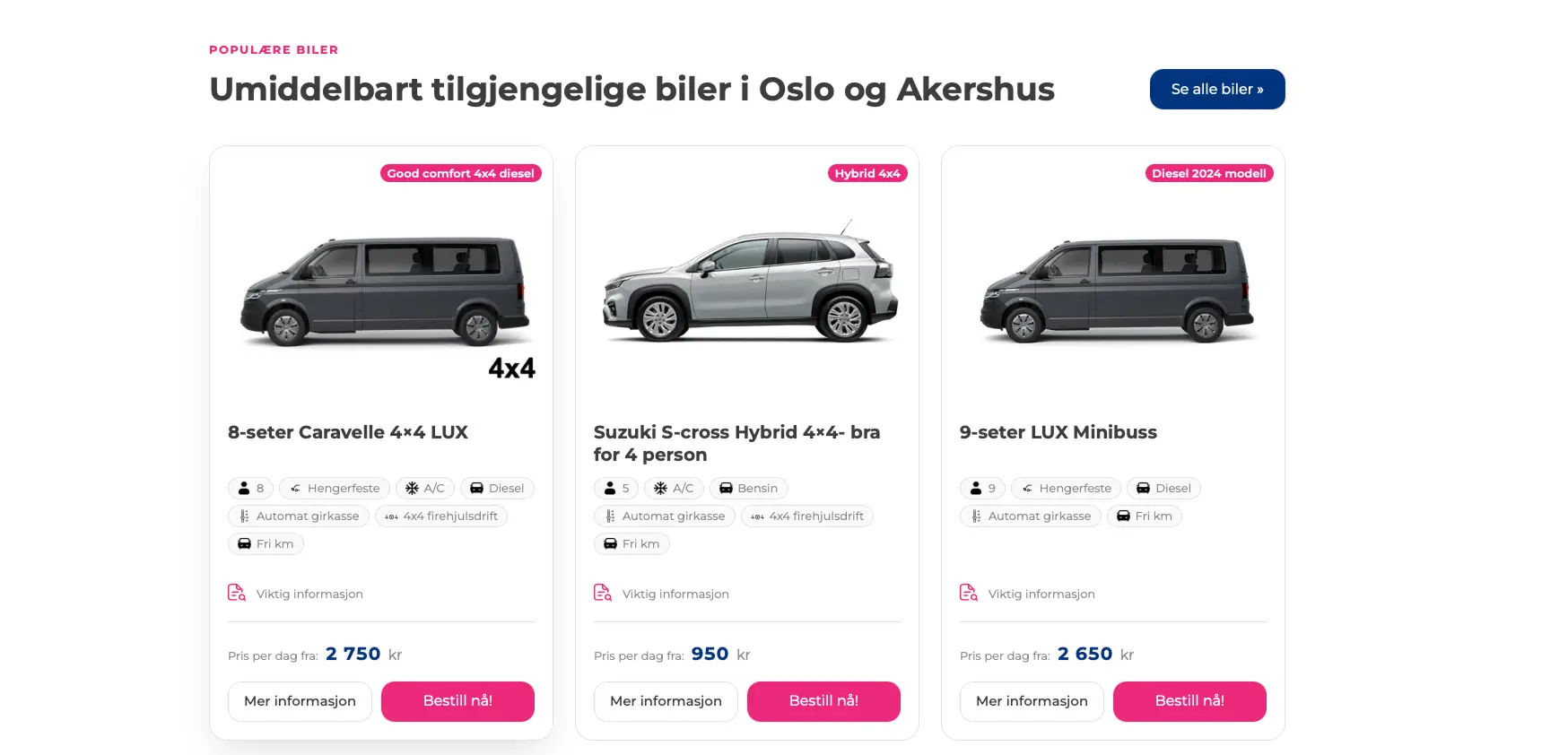
Price, key specifications and the booking button are immediately visible — on desktop and mobile.


A single calendar allows you to select the pick-up and drop-off dates for the car. The opening hours are tailored to the selected location, so the user only sees available dates and opening hours.
Each car has its own, clear address in the format /car/car-name/. The page features a photo gallery, a full list of specifications and a handy booking button, which is always within easy reach on your phone.

A straightforward checkout process with a selection of additional paid options, a telephone number with a country code, and the option to provide company details, including a tax registration number. The customer can pay for the booking immediately via Frontpayment or choose to pay later. After placing the order, they receive a confirmation email in PDF format and a link to cancel the booking themselves.

Staff can manage bookings and their statuses, use the booking calendar with iCal export, set seasons and prices, and make bulk changes to them. The panel also allows you to define opening hours for individual locations, including exceptions, and manually remove vehicles from the fleet. Bookings are automatically transferred to the ERP system.

The search function, car list, car details page and checkout are designed to make booking simple, even on a small screen.
Hover over your mobile screen and scroll to view the page


Shared availability across all language versions of the car, protection against double bookings
Several dozen files of our own plugin instead of a complex system with numerous features, optimised queries for pricing, availability and location
A consistent look and feel from the search engine through to order confirmation; the ability to cancel bookings independently via a link in an email; collection and return times tailored to the location, including exceptions and return windows.
Vehicle editing organised into tabs, with location assignment in one place; changing the order status automatically sends the correct email to the customer; orders are sent to the ERP system
"It looks really great. It’s fresh, modern and completely different from before. We really like this direction"